
TV Shqip M3U Player is set-top box style IPTV/Media player for watching videos on iPhone, iPod, iPad and to some other iOS devices, The app doesn't contain any channels, you need to add Playlists links on "M3U" Category.
Below you will find a small tutorial on how to play TV channels or any video/audio format with TV Shqip M3U Player application
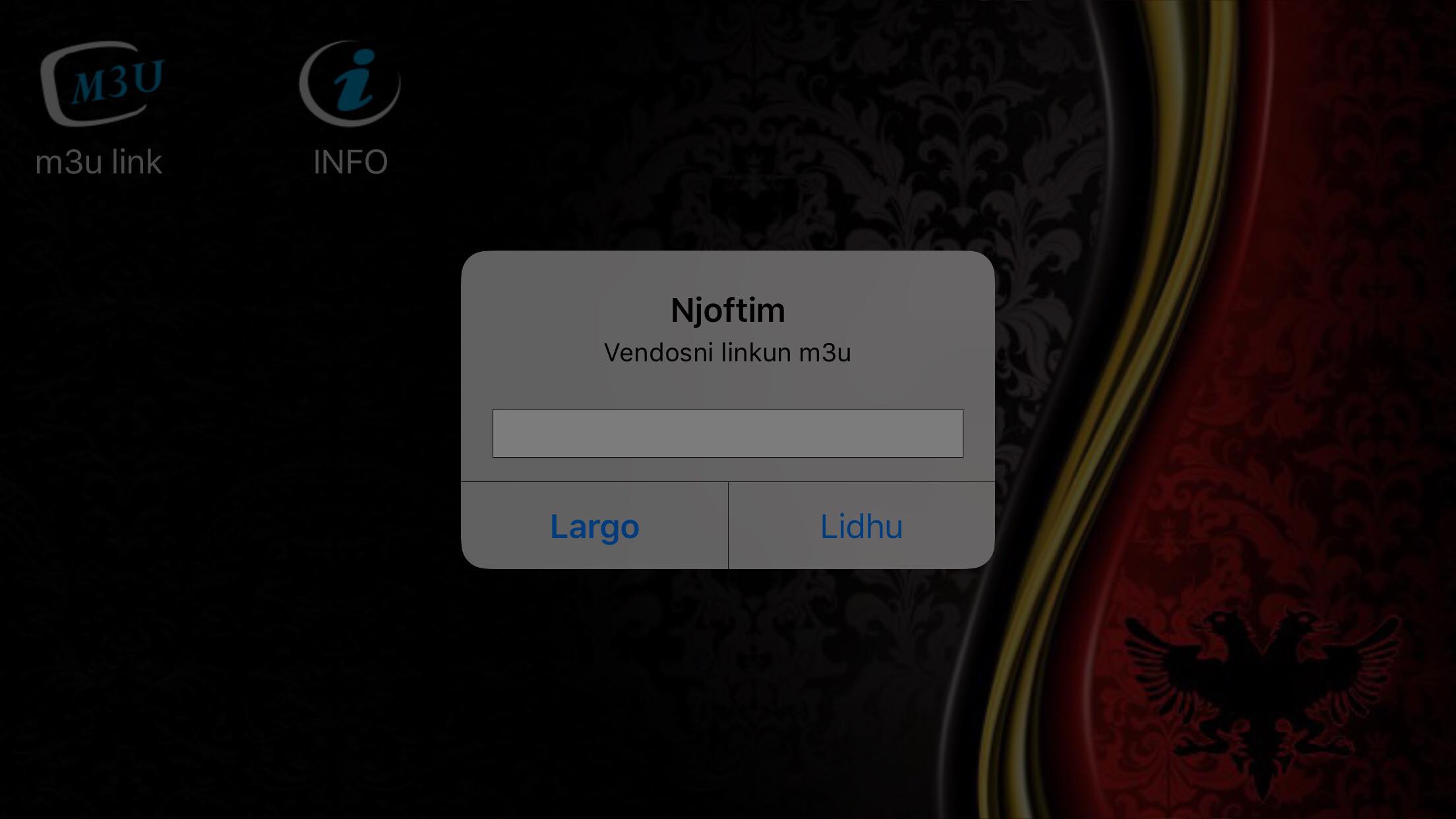
1. First you need to have (if you do not have you must buy) a subscription from IPTV Providers (We don't sell IPTV Links) you can buy everywhere on the internet.
2. Then get the line from IPTV Provider and put on the M3U category in this format: "http://example.com/tv.m3u" without quotes.
3. Then CLICK on the "LIDHU" button to get the channel list.
4. When the channels get downloaded will look like below: (Depend of the IPTV providers)
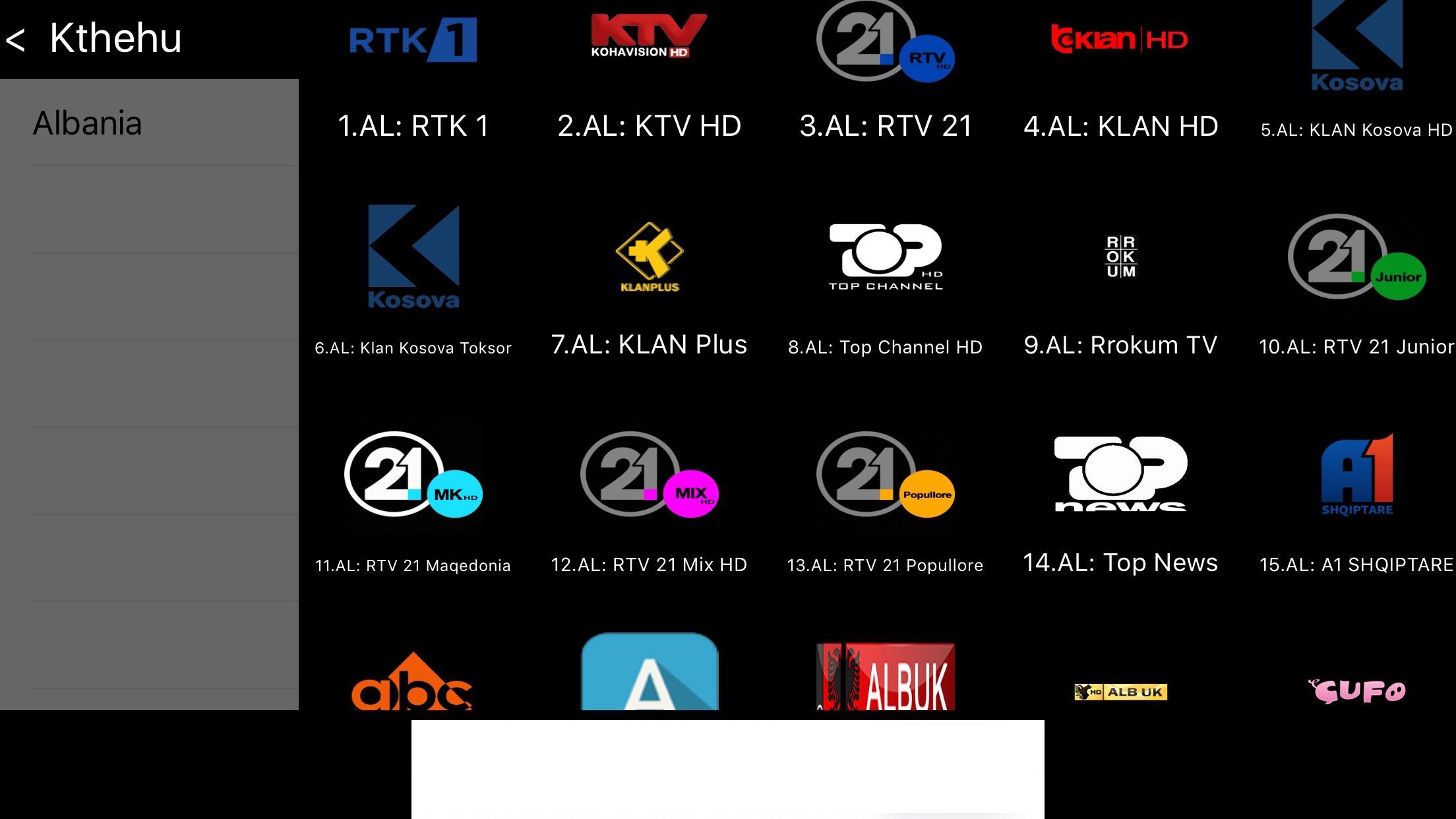
5. On the Left Side are Categories
6. On the Right Side are Channels
7. These pictures are only for demonstrating how the application works.
If you have any question, you can write to us in the email: @gmail.com